
Using TikTok? Open in your browser
Tap TikTok’s three dots (⋯) or share icon at the top or bottom of your screen.
Open in browser
Copy link
Or copy this link into Safari or Chrome:
What’s your English level?
Free · 20 questions · 5 minutes
Preview mode: no test was submitted and no score is shown.
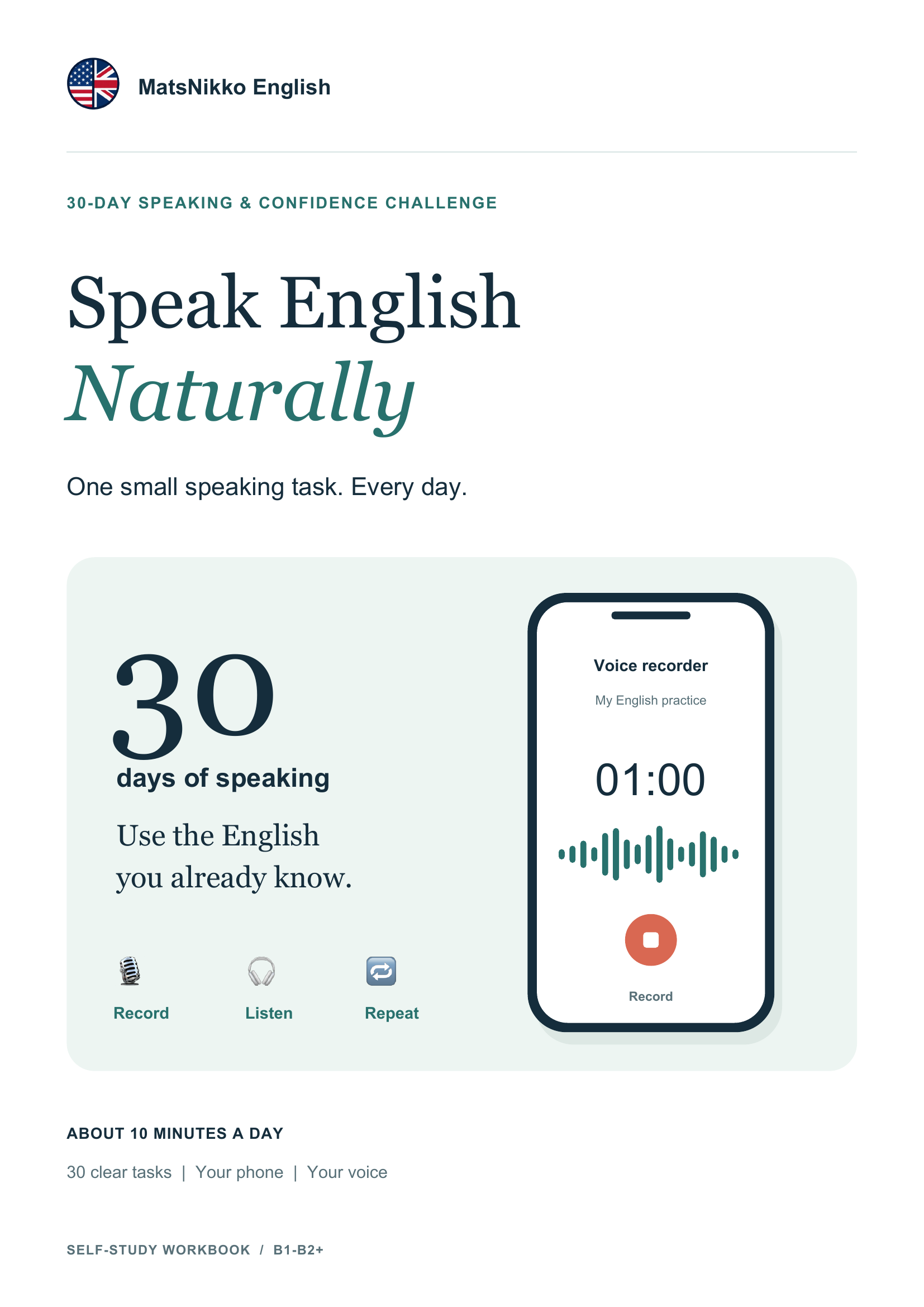
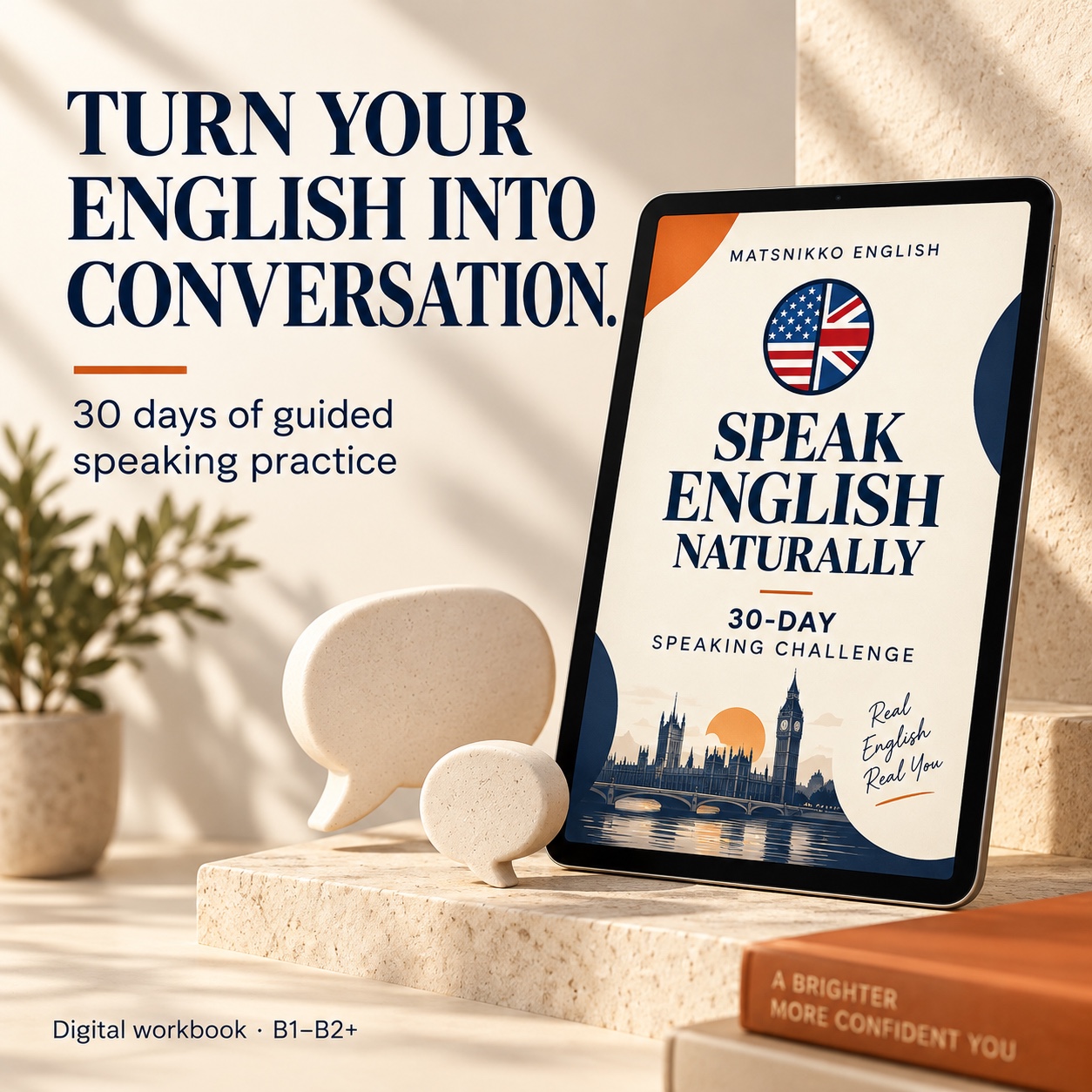
30-DAY SPEAKING & CONFIDENCE CHALLENGE
You understand English. But do you freeze when it’s time to speak?
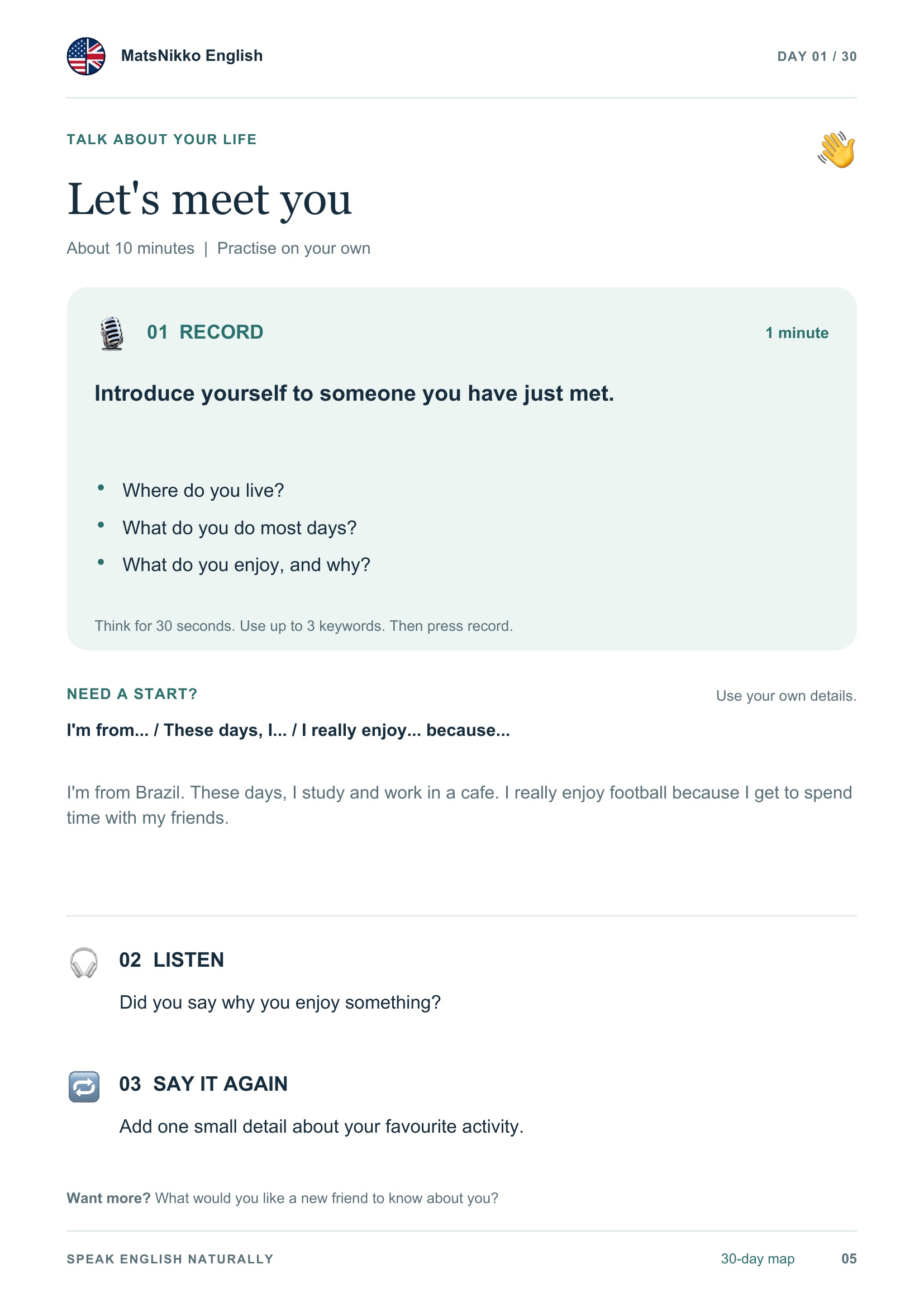
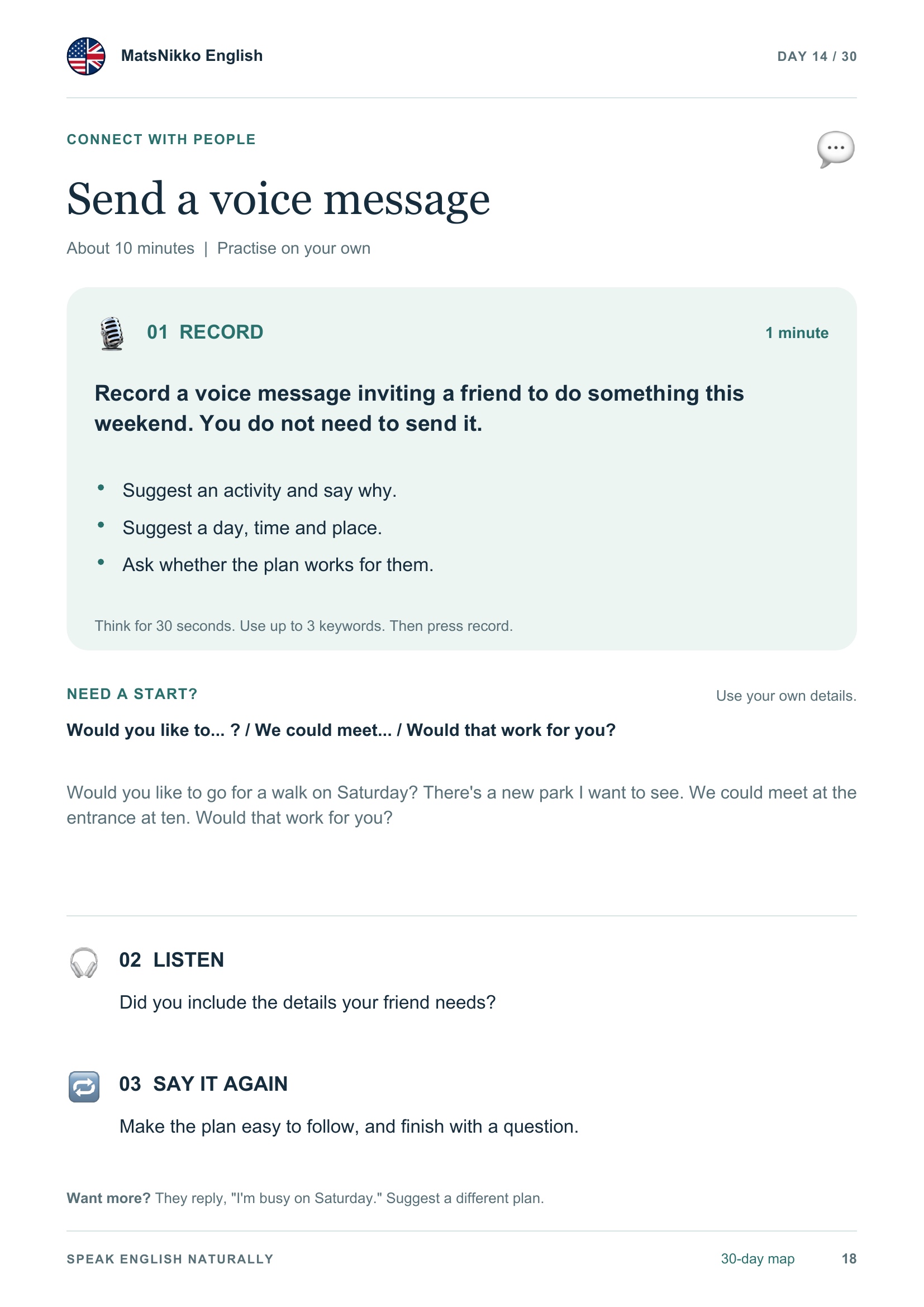
Build speaking confidence with one short task a day. Speak, record yourself, listen back, and try again—then compare Day 1 with Day 30.
- Know what to practise every day
- Learn from model answers and useful phrases
- Record yourself and hear your progress
30 tasks · about 10 min/day · instant PDF · US$7
Link not opening?
In TikTok, use the ⋯ or share menu and choose “Open in browser”, if available. Or copy the link below into Safari or Chrome.